

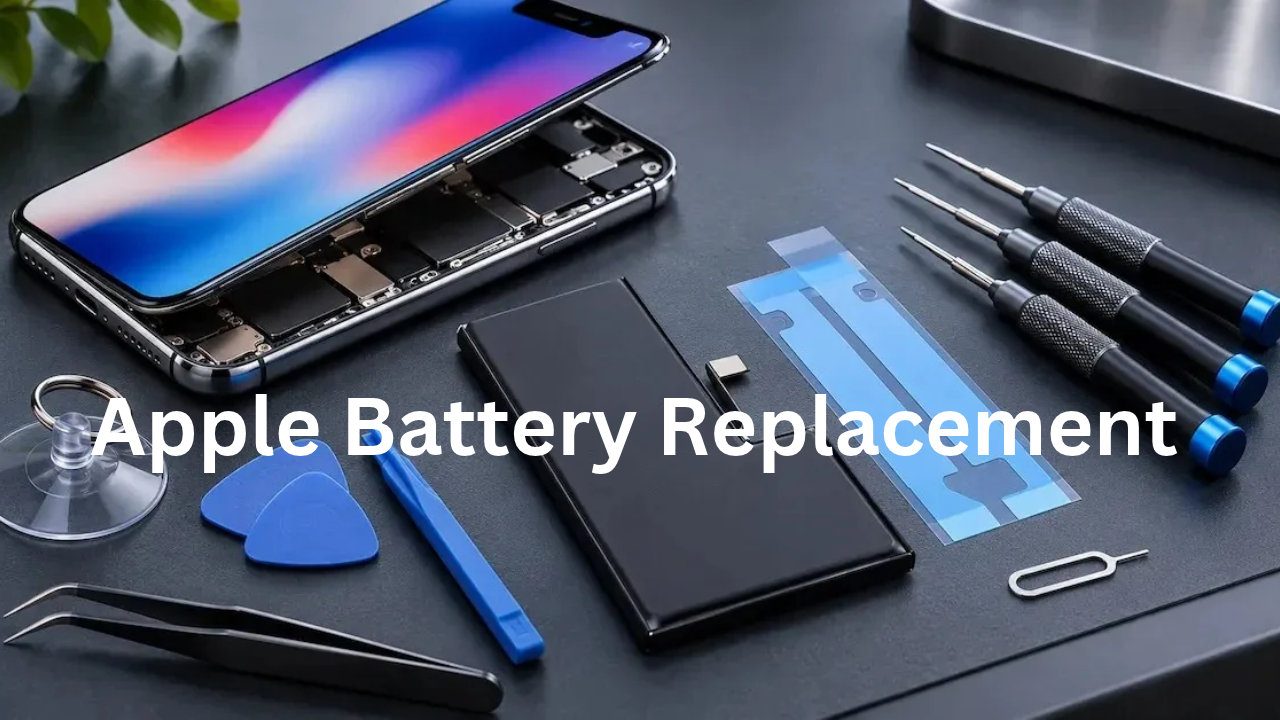
Over time, an iPhone battery will degrade. If your phone is draining its battery too fast or shutting off unexpectedly, or has a short battery life, you may need to replace the battery. An old battery may also impact the device’s performance and usability. Fortunately, you don’t necessarily have to purchase an iPhone. You can go to the official Apple repair service, a third party repair shop, or replace the battery yourself. This guide outlines the definition of replacement costs, warning signs, options and tips to help you make your decision.
How to Check Your iPhone Battery Health
Before going out and buying a new battery, see your iPhone’s battery health. Apple offers a built-in system to know its condition.
Follow these steps:
- Tap the Settings app.
- Tap Battery.
- Click on Battery Health & Charging.
- Check the Maximum Capacity percentage.
This percentage indicates the amount of charge remaining in your battery as opposed to its new charge. If the battery is 80% or lower, it possibly needs replacing, particularly when you experience performance issues. But the health of the battery doesn’t necessarily indicate that it needs to be replaced right away.
When Should You Replace Your iPhone Battery?
If your battery has begun to create problems for your cell phone use, it’s time to replace it. Some of the common indicators are:
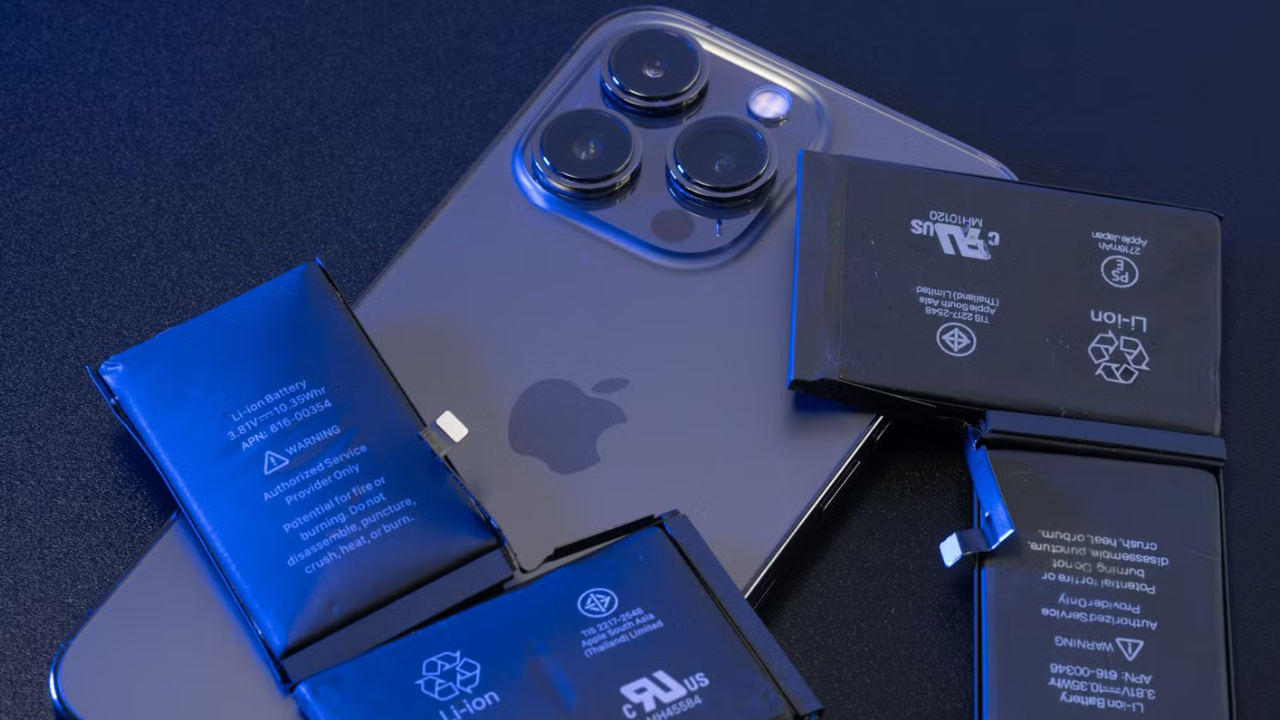
- The battery life of your iPhone is significantly shorter than usual.
- Phone is turning off unexpectedly.
- The battery percentage drops drastically.
- Your device starts to get extremely hot.
- Applications and other functions run slower.
- Battery health is below 80%.
If you have several of these issues, you should have your battery serviced by a professional. If the battery is swollen, it requires immediate attention. Cease use or charging and set up professional service.
Apple Battery Replacement Service
The safest way is to go with Apple’s official repair service. Visit to an Apple Store or an Apple Authorized Service Provider (as applicable). In some areas, mail-in repair may also be an option.
Pros of Apple Service:
- Quality Apple parts.
- Skilled and knowledgeable staff.
- Reliable repair service.
- Service guarantee and support.
Cons of Apple Service:
- Tending to cost more than local repair shops.
- Depending on your location, the service is available.
- Repair times may vary.
Apple’s battery health service is available to AppleCare+ customers if their battery health declines below 80 percent capacity, and may be free of charge for those customers. Review your policy before taking out a policy.
Third-Party Repair Shops
Third party repair shops are also an option for those who want to have a less expensive battery replacement. Most of the local techs are available for same day service depending on the availability of the battery and iPhone model.
But it’s important to select the right repair shop. Prior to giving your device to someone else, inquire about battery quality, replaceability costs and warranties. Additionally, read customer reviews and the technician’s experience.
Don’t use ultra-low cost batteries that aren’t recognizable. Low-quality batteries can fail to hold a charge, fail to charge or pose safety concerns.
DIY iPhone Battery Replacement
With repair experience, home batteries can be replaced saving money. But today’s iPhones feature snugly installed parts, powerful bonding materials, and fragile internal wiring.
What You Need:
- Compatible replacement battery.
- Pentalobe screwdriver.
- Phillips screwdriver.
- Plastic opening tools.
- Suction handle.
- Battery adhesive strips.
Always buy a battery for your particular iPhone. Do not rely on general repair instructions; use a model specific repair guide.
How to replace an iPhone Battery Step-by-Step DIY Guide
These are the essential steps to replace an iPhone battery:
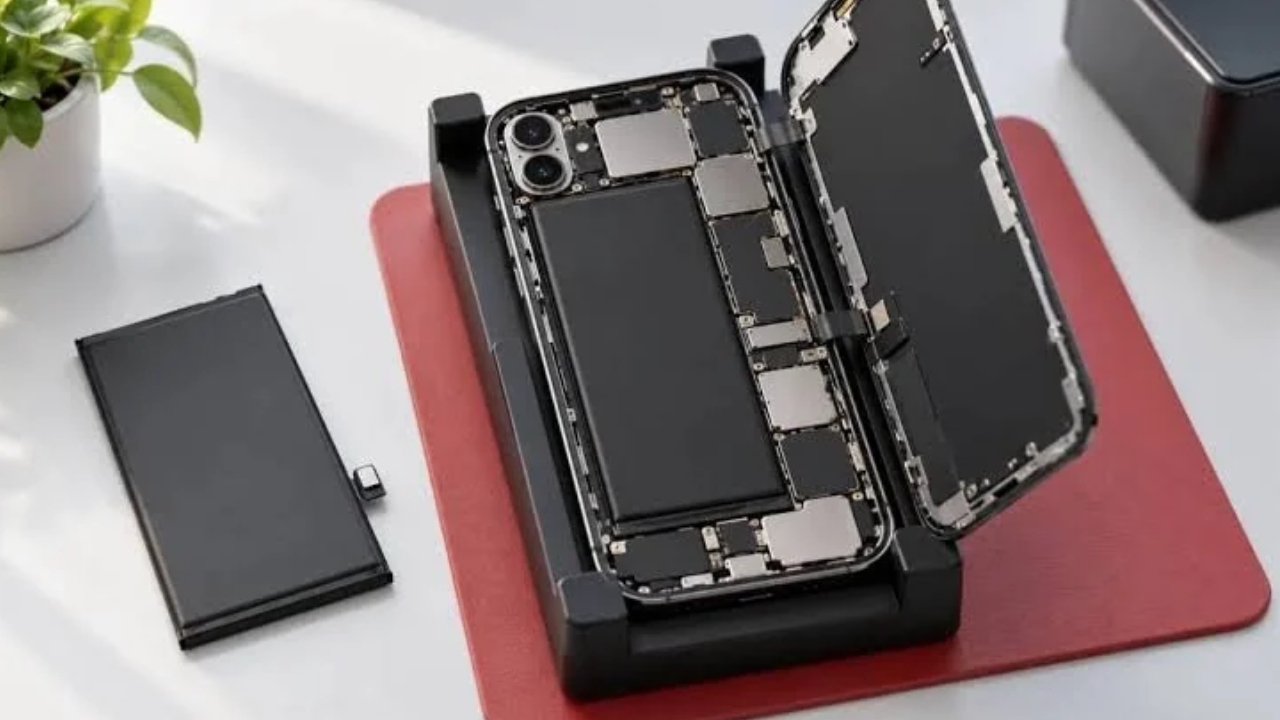
- Turn off your iPhone completely.
- Unscrew the screws in the vicinity of the charging port.
- Carefully open the display using suitable tools.
- Unplug the battery connector.
- Discard old battery adhesive strips.
- Install the replacement battery that is recommended.
- Connect and fasten cables and parts.
- Close display and test the device.
Note: Do not use metal tools, bend or puncture a lithium-ion battery. May start a fire or cause injury. When you’re not up to the task, hiring a professional is the better option.
Tips to Extend Battery Life After Replacement
There are a few things you can do to help your new battery last longer. To prevent battery wear, you can also enable Optimized Battery Charging from the iPhone settings menu. Don’t let your phone get too hot or too cold, and use quality charging cables.
Other features include reducing screen brightness, limiting unnecessary background activity and keeping your iPhone updated. These little tweaks can help make more of a difference in your day-to-day battery life.
FAQs
1. When should I replace my iPhone battery?
Replace below 80% health or if issues arise.
2. How much does Apple battery replacement cost?
This is dependent on your model and location.
3. Can I replace my iPhone battery myself?
Yes, but tools and experience are needed.
4. What is the replacement time?
This is dependent on service availability and model.
5. Does a battery replacement make sense?
Yes, as long as your iPhone is otherwise in good condition.
Read More: What is Working Capital Management? A Complete Guide
