


UUCMS is familiar to everyone in Karnataka whether you are a student, teacher or college staff. The state government’s online platform that connects colleges and universities. All of it goes through it from admissions to exam results.
In this article, we would guide you through the login process of UUCMS step by step, how to reset a forgotten password and resolve common login issues. If you want to log in for the first time, or if you’re struggling to log in, this article will help you.
What Is UUCMS?
UUCMS is the acronym for Unified University and College Management System. It was established by the Government of Karnataka under the Department of Higher Education to provide all the colleges and Universities under a single digital roof. UUCMS treats it centrally as opposed to each institution having their own.
All these features are handled from a single platform by colleges in order to manage student admittance, attendance, publish exam results and maintain records of teaching and non-teaching staff. Students use it to review their academic progress, to download documents, and to keep up-to-date with important dates. To save time and reduce paperwork for all parties involved (students, faculty and administrators).
It’s only accessible from the government’s official website, so you should store the right link in your bookmarks and not on any random third party website that claims to provide a shortcut.
How To Login In UUCMS Portal
If you know your account credentials, you can log into UUCMS in no more than a couple minutes. These are the steps involved in the UUCMS login:
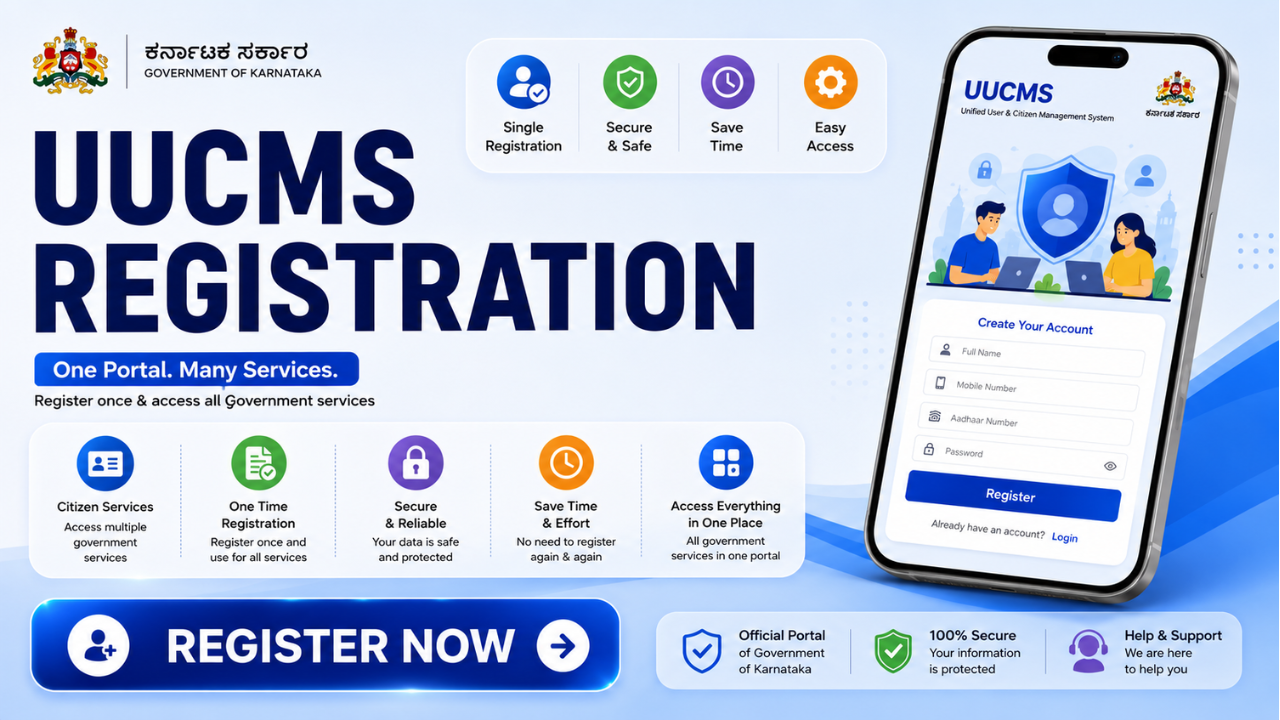
Step-by-Step Login Guide
- Go to the official UUCMS website. Enter only details if you are on the appropriate government domain.
- Look for and click on the “Login” button. Typically found towards the top of your home page.
- Choose which type of user you are. You will be required to select the type of user you are (Student,
- College or University Staff, or Higher Education user). The dashboard for each option is slightly different.
- Type in your username and password. Students are usually given these details when they’re admitted to their course. Usually, the staff members are given login details by their institution’s administration.
- Fill in the captcha code. This step is to ensure that you are not a bot accessing the system.
Click “Login.” Assuming all is well, you’re immediately directed to your personal dashboard.
It really is as simple as that. The most difficult for most is recalling their password or username, we will discuss this next.
Read Also: Safetrode.com: A Closer Look at What This Site Actually Offers
Key Features of the UUCMS Portal
Once you’re logged in, there’s a lot you can do. Some of the prime features of the portal are:
Admissions and Course Registration: Apply for Courses & Check Application Status
Attendance & Timetable Management: View attendance & class timetable for the day
Exam Results and Academic Records: View marks, download result sheets, and track your progress over time
Document Uploads and Verification: Upload all required documents without visiting the college office.
Staff and Faculty Information: Institutions can manage the information for teaching and non-teaching staffs in a single location.
Students are not required to remember a number of usernames and passwords for the various college services, since everything is located on one platform. It’s all connected.
Forgot Password? Here’s How to Reset It
Losing a password is something that happens to anyone, particularly if you log in just a couple of times per semester. Fortunately, resetting it is easy:

On the login screen, you will see a link to “Forgot Password,” click this link.
Enter the email address or mobile number that’s registered with your UUCMS account.
An OTP (one-time password) will be sent to you by e-mail or the phone number used to send the message.
Type in the OTP and follow the instructions to set a new password.
After it is complete, return to the log in page and log in using the new information. Check the spam folder in case you don’t receive the OTP within a couple minutes or so, before trying again.
UUCMS Support and Helpdesk
When you’ve tried everything and you still can’t find a solution, you don’t have to despair, there is help. Generally, the contact information for the UUCMS’s support team is available directly on the website, such as an e-mail address and a phone number for technical support. Your college or university’s administrative office can also assist you with any account related problems, particularly locked students accounts or incorrect registration details.
Keeping your registered email and phone number updated is a good practice, as you will get your OTPs and any relevant notifications regarding logins on these.
Final Word
Logging into UUCMS doesn’t have to be difficult. With the steps in mind, the time it takes to visit an official site, sign up for a type of user and enter the necessary information is less than one minute. Plus, in the event of any problems, the above password reset and troubleshooting should take care of any issues in no time.
The UUCMS login page is the thing that will serve as a starting point for students and staff from Karnataka for almost anything academic, from checking attendance to downloading exam results. The best way to save time when checking in is to bookmark the official portal and have your login information with you.
FAQs
1. What is UUCMS?
UUCMS is the State level system for administration of the colleges and universities of Karnataka. Run by the Department of Higher Education.
2. How do I log in to UUCMS as a student?
Navigate to the official UUCMS website, click “LOGIN,” choose “Student” as your user type and enter your username and password. Fill in the captcha and click on Login to get to your dashboard.
3. How can I reset it?
On the login page, click on “Forgot Password” and enter the registered email address or mobile number and follow the OTP verification process to reset the password of the account.
4. What is causing the “Invalid Credentials” error?
This is typically caused by a misspelling of your username and/or password. If you are still having issues, double check your information, reset your password or call the admin office of your institution.
5. Is 5 UUCMS compatible with my mobile phone?
Yes, log in, check results or view attendance from your mobile phone without downloading an app, the UUCMS portal works fine with mobile browsers.
Read More: BiMS Login: Registration Guide, Services & Security Explained
